




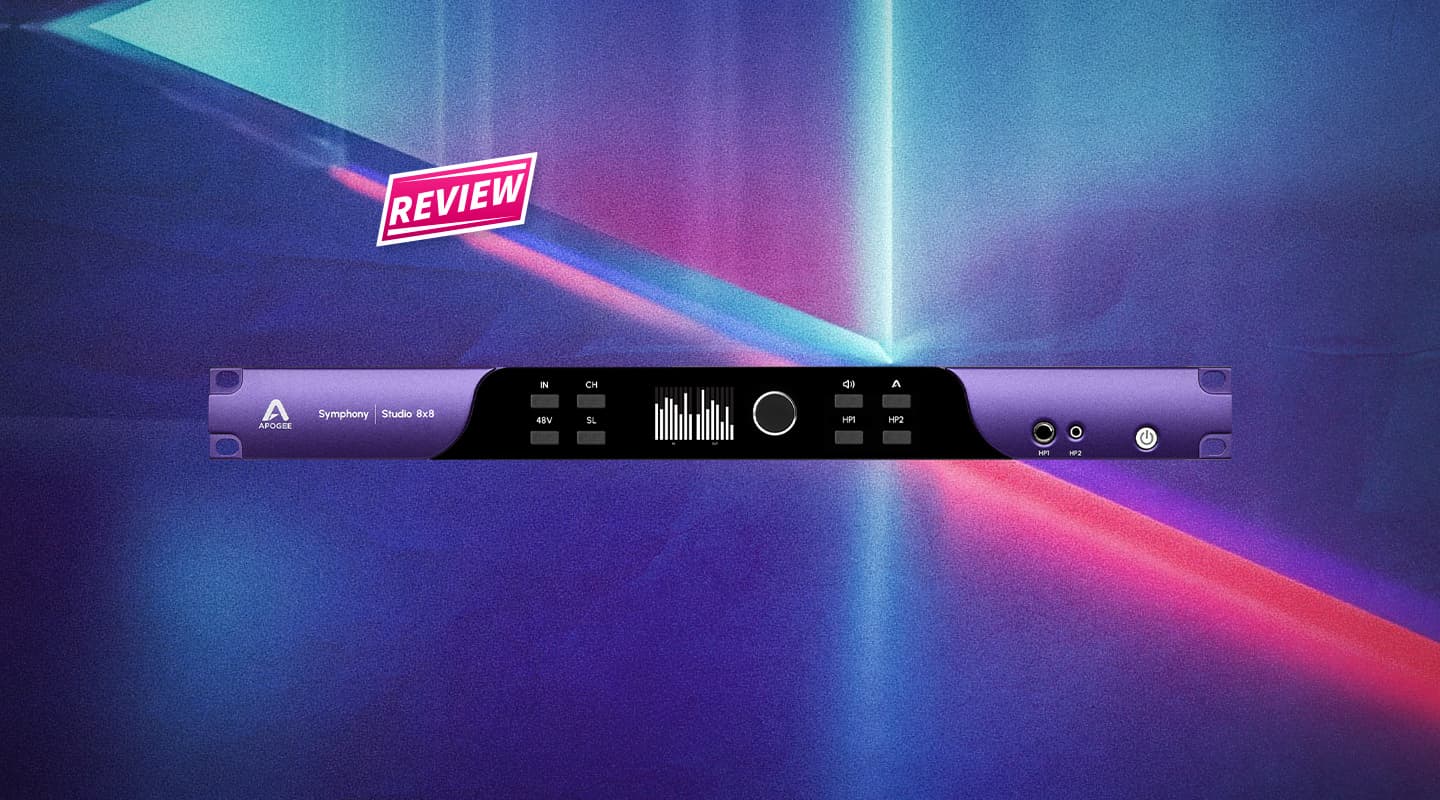
Review: Apogee Symphony Studio 8×8 Audio Interface
Apogee distills its flagship conversion into a cost-effective interface, adding DSP to tackle immersive monitoring.

By Brad Watts
31 March 2026
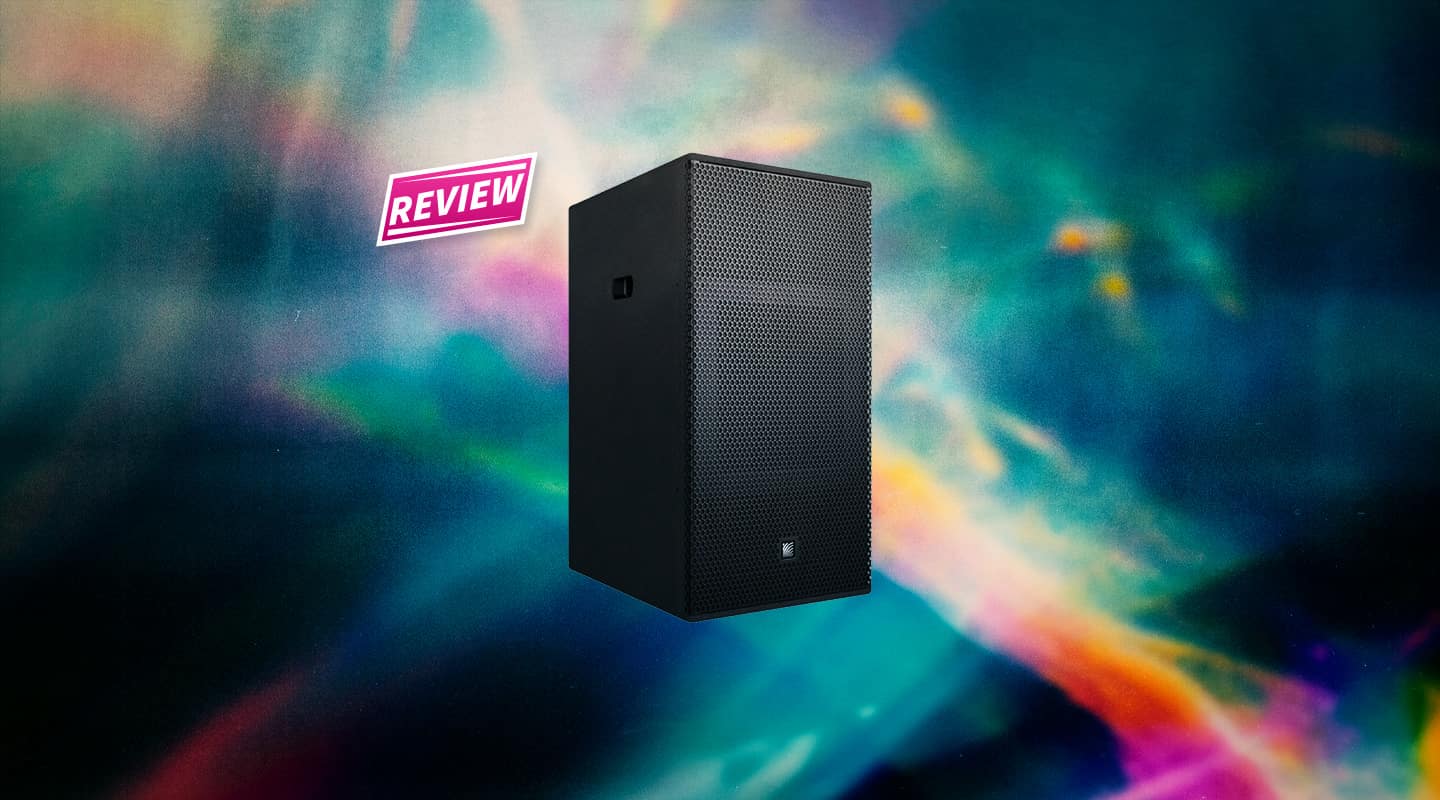
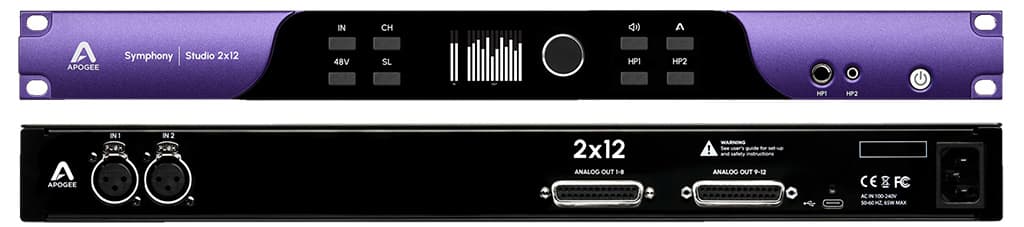
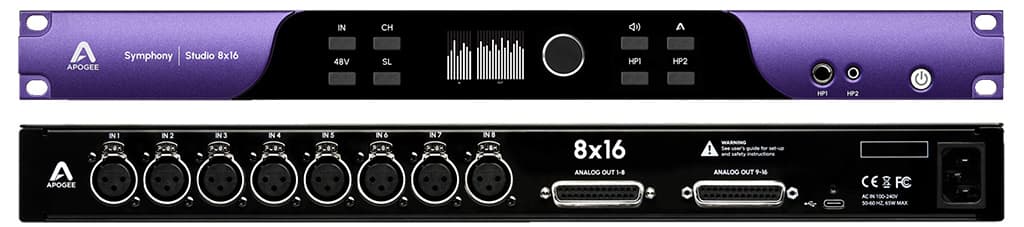
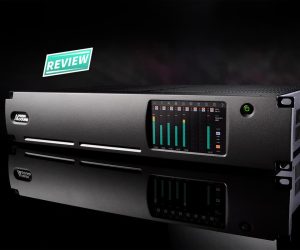
Apogee, far from newcomers to the digital audio interface domain, recently introduced its latest answer to audio conversion with the new Symphony Studio series. The series comes in three configurations: the 8×16 offering eight mic/line inputs and 16 analogue outputs, the 2×12 with two mic/line inputs and 12 outputs, and the one sitting on my desk; the 8×8 sporting eight microphone/line inputs and eight analogue line outputs. All look identical from the front panel, apart from the I/O nomenclature, with the only physical difference being the connectivity options to the rear of the 1RU devices. Inputs are all XLR, and outputs, software switchable between +4dBu/-10dBV, are provided via 25-pin D-sub connectors. That’s all. No ADAT optical, S/PDIF coaxial, or wordclock I/O. Expansion isn’t an option either.
Aimed at the mastering/voice overdub, home and pro studio markets, the Symphony Studio series shouldn’t be mistaken as a successor to the company’s flagship uber-configurable Symphony I/O MkII titan. While the Symphony Studio series offers the same A>D and D>A technology and specification as the original-spec Symphony I/O (Symphony IO MkII has recently started shipping with special edition (SE) flagship IO cards), the three options weigh in at way less than half the cost of its top-shelf brethren. Markedly different, also, is the host computer connection, which is via class compliant USB-C as opposed to Thunderbolt transfer with the Symphony I/O MkII – perfectly ample for streaming at up to 192kHz – on both Mac and Windows operating systems. Apogee suggest the minimum MacOS requirement is 13.6 Ventura or later. Note: there’s no caveats contingent on I/O count being tied to sample-rate. It’s 44.1 through to 192k from beginning to end.
SURROUNDED
While the Symphony Studio series at first seem like most pro and semi-pro interfaces, there’s a swag of DSP shenanigans under the bonnet aimed at room calibration and surround monitoring, such as immersive concepts like Dolby Atmos and the more niche Auro-3D. The 8×16 will give you the I/O clout to drive a system up to 9.1.6, with the 2×8 and 8×8 capable of up to 7.1. The DSP includes a multitude of equalisation and crossover adjustment, along with delay and trim. Access to this DSP comes via the Apogee Control 2 application, which also looks after direct monitoring routing and levels, output configurations, 48V phantom power for the mic inputs, phase, mute/solo, monitor switching and so much more. Included are control room functions like dim, mono, and talkback settings. Talkback can be configured to operate via other interfaces you may have installed. Control room functions can also be accessed via an optional USB-connected hardware controller which, along with a large level control knob, provides an additional eight programmable buttons for pretty much any Symphony Studio features – switch between stereo and surround monitoring setups for example, or recalling snapshots and presets saved in the Apogee Control 2 application.
EDITING ROOM
Delving further into the room calibration side of the Symphony Studio we find some reasonably surgical EQ and crossover adjustments. There’s bass management in crossover frequency control, filter slope 12 or 24dB/octave), phase, delay, and level control over each of the outputs (8 or 16, dependent upon model). Sitting on top, there’s also a 16-band EQ over each output offering various styles of equalisation (peak, low/high-pass, shelving etc) per adjustable frequency, and resonance or ‘Q’ per band – from razor thin through to whale-wide. EQ setups can be saved, exported and imported as required. The DSP even goes as far as allowing you to stipulate your room size, along with the surface material used for each wall (assuming you’re in a six-sided room). Choose from wood, concrete, brick, tile, carpet, and north American-centric ‘drywall’ (Gyprock, in Aussie parlance). Once your room characteristics are established, the software runs a simulation and decides on an EQ curve to suit the room size and attributes. This, of course, can be tweaked further manually. Admittedly, the result of this room correction will be an approximation, with even Apogee’s manual suggesting to use any of the numerous room correction systems available for further accuracy.
NEED TO KNOW


INCOMING
There’s also DSP available to the mic/line inputs, leaning on its well-regarded EQ, compression, and drive circuits found in countless Apogee products over the years, and is graphically represented in the company’s trademark grey background and purple anodised knob style. It’s undeniably tracking and flavour processing, and can quickly be switched to ‘print’ to file at the recording stage. It’s very useful and sounds very good, just bear in mind I found no obvious indications the input DSP could be expanded. Evidently it’s worked into the hardware, but that’s not to say a firmware update couldn’t bring more to the table in future revisions. The Apogee website quotes this input DSP as ‘coming soon’, and my unit provided it, so it’s a firmware upgradable feature. Surely there’s a bit of residual Bob Clearmountain love waiting in the wings!
BAND BACK TOGETHER
There’s certainly a lot to like about the Symphony Studio range. If immersive audio is where you’re at, it’s a no-brainer, as this level of control built in to the interface negates farming surround calibration duties out to analogue or software solutions. Plus you can switch between multiple monitoring regimes at the drop of a mouse click. Atmos by day; stereo by night.
Then there’s the somewhat utilitarian aspect of access to Apogee’s top-shelf analogue and digital conversion for a fraction of the price of it’s flagship Symphony I/O MkII. Sure there may not be the expandability available from your typical eight I/O interface, but if eight is enough, the Symphony Studio 8×8 is a perfect solution. Well worth your consideration.






RESPONSES