
Review: Sonarworks SoundID Reference Virtual Monitoring Pro
VM Pro is a package that allows you to take your studio’s listening sweetspot wherever you go.

23 February 2026
I’ve been writing about pro audio for long enough to know that as soon as you make a generalisation about acoustics there will always be some kinda angry-nerd pile-on. But what the heck. Let’s talk in some generalities:
If you plan on charging money for people to use your studio then you should pay for an acoustician to run a rule over things, just to ensure the best possible listening environment.
If the studio is for your own use then an acoustician is a luxury but money spent on acoustic absorption and dispersion is never wasted. The downside of not having a pro taking care of acoustics: you’re forever likely to be chasing acoustic gremlins but you’ll factor those in over time and compensate in the mix stage.
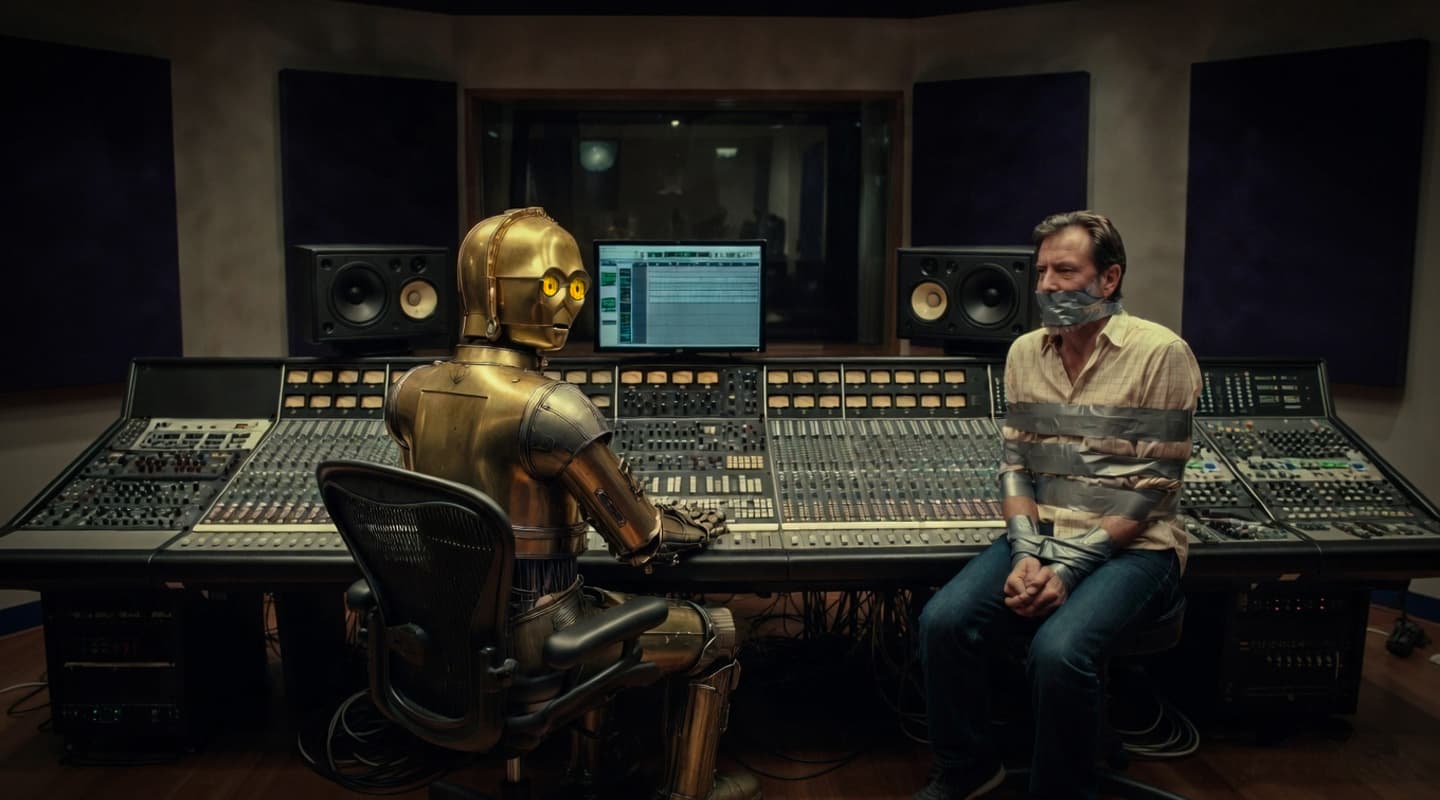
[Chris braces for impact.]
ID CHECK
The big asterisk that can now be appended to the above statement is all down to modern audio calibration systems like Sonarworks SoundID. In other words, if you can make an effort to acoustically tame your room and adhere to a few basic fundamentals about where to stick your studio monitors, SoundID will straighten things out by applying frequency compensation. Not to say that the pros (in their pro studios) don’t use SoundID – they do – but mere mortals without the Helmholtz resonators and two-metre deep quadratic diffusers can now enjoy a neutral monitoring environment – something that was previously out of reach.
This, of course, is by way of a lead up to a review of Virtual Monitoring Pro. I just wanted to labour the point – the recent release of affordable sound calibration platforms (of which SoundID is probably the most popular) is the best thing to happen to non-professional music studios since Mackie changed everything in the ’90s with the 8-bus mixer, ADAT and HDR824s.
VIRTUAL MONITORING MADE REAL
The SoundID family is growing. The Virtual Monitoring Add-On (VM) for SoundID Reference simulates a spatial speaker listening experience on headphones, “allowing music to sound as if it’s being played through professional stereo speakers in a well-treated control room.” So long as your cans are on the VM list of supported headphones you can instantly simulate cross referencing across devices and environments, like a laptop or the inside of a car.
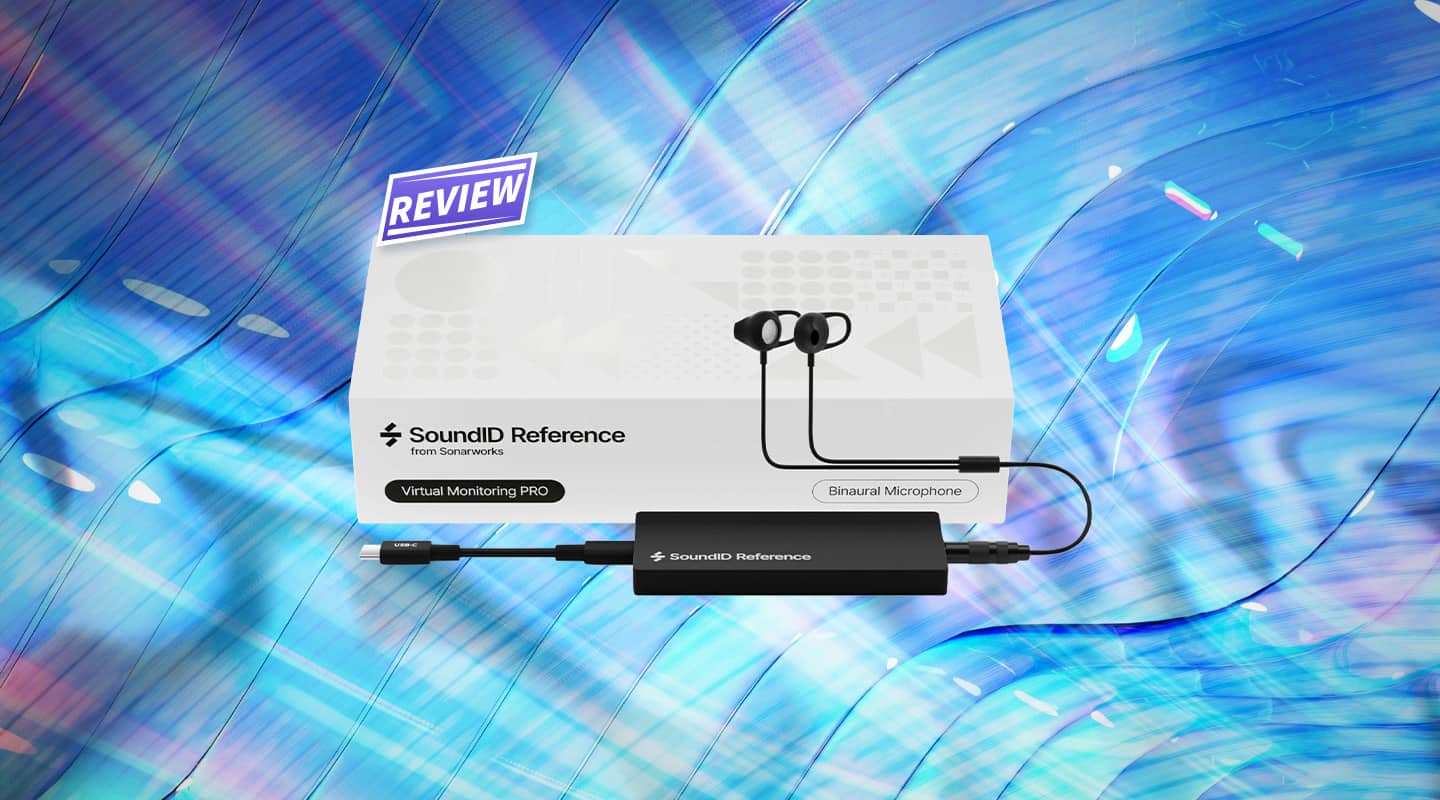
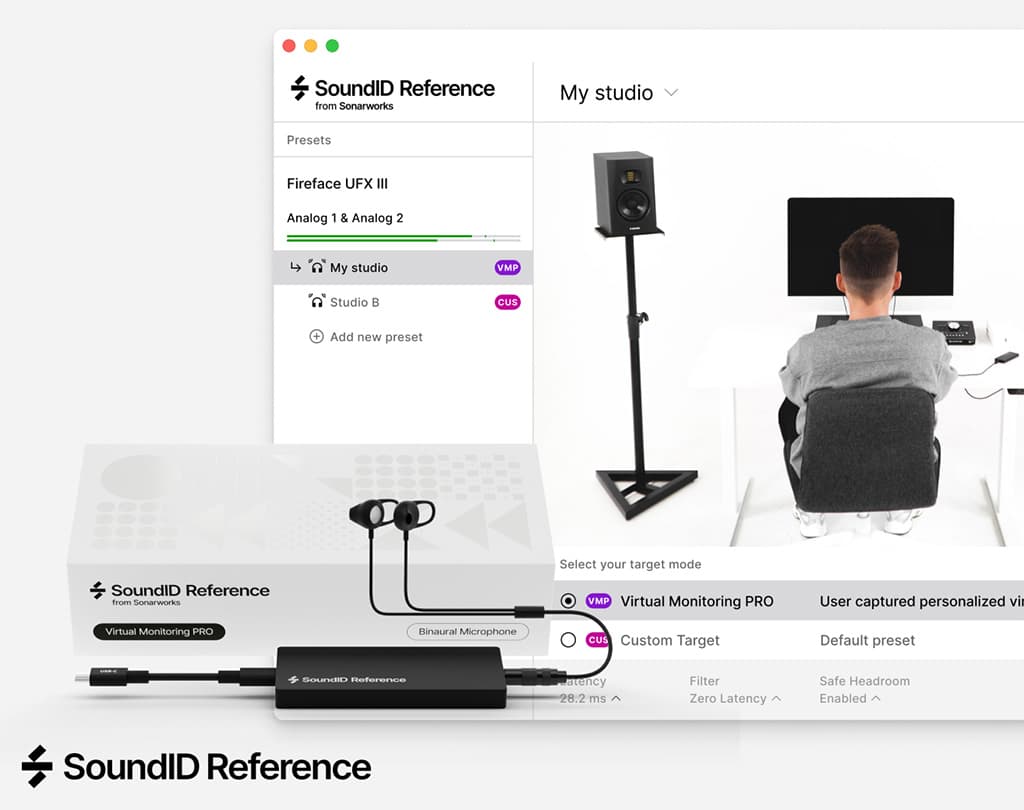
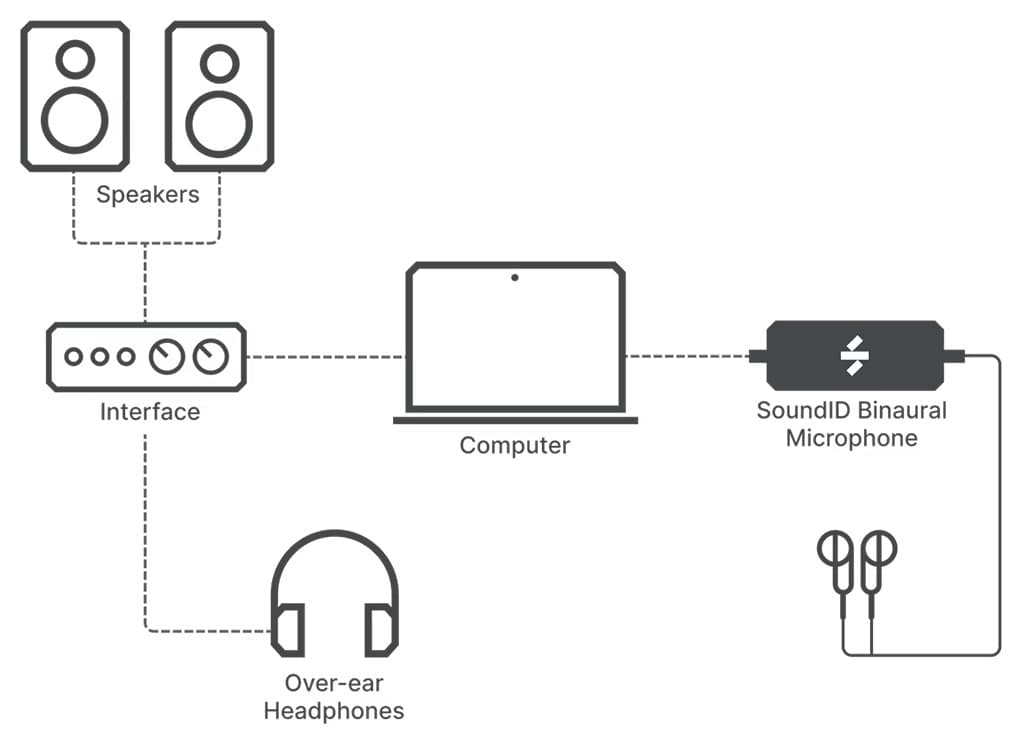
More recently, Sonarworks has upped the ante with Virtual Monitoring Pro. More than a software add-on, the Pro version ships as a package which will virtualise the studio you’re sitting in. It does this by measuring your room and your HTRF (Head-Related Transfer Function) with the help of a binaural microphone (included in the package). Then it captures the response of your headphones (placing them over your ears, which in turn are plugged with the binaural mic capsules). The result is a highly convincing virtualisation of your space, in your headphones, wherever you happen to be mixing.
NEED TO KNOW
Sonarworks SoundID Reference Virtual Monitoring Pro
Spatial Room Simulation for Headphones
HEADPHONE HEAD SCRATCHER
Virtual Monitoring Pro illuminates a modern phenomenon: producers are making music in headphones as much as they are via studio monitors. Why? Either they’re not in the studio or they prefer it that way. Why would you prefer monitoring in headphones? It might be because you can afford great headphones but you can’t afford great monitors… or afford to acoustically remediate your space to allow for reliable monitoring.
If this is you, then Virtual Monitoring Pro isn’t for you.
Rather, Virtual Monitoring Pro is for people who love and trust the sound of their monitors in their room. VM Pro allows these people to work anywhere with headphones and know their mix decisions will translate in their room, because VM Pro has ‘virtualised’ the room with its tonal balance, spatial behaviour and stereo image.
GETTING SET UP
Getting set up is bit of a fiddle. But that’s to be expected. The last time I used SoundID it was setting up a 7.1.2 Atmos room and thankfully the process was considerably more abbreviated than that. But VM Pro does still need to ping your monitors, your room and your headphones.
Once complete, you can run the VM Pro profile on your computer, as a plug-in in your DAW or have it hosted by compliant hardware, like my Audient Oria. Hosting the plug-in on your DAW might add some processing overhead but it does mean you’re genuinely self-contained – you could be mixing on an aeroplane and feel like you’re mixing in your studio.
SWEETSPOT
I can see why audio professionals have requested VM Pro. Pro engineers very often find themselves in ad hoc tracking situations or in unfamiliar monitoring environments where it’s tricky to fully trust your ears. Don a pair of VM Pro-friendly headphones and you are instantly transported to a safe place – the sweetspot of your own studio.
No doubt some will find more creative applications for VM Pro. If you love the sound of your car more than life itself, then VM Pro will allow you to turn your vehicle interior into another legitimate monitoring option in your headphones.
Another possibility: virtualise a collaborator’s space. Work regularly with a particular client or collaborator? Go measure it and then turn it into a VM Pro preset so you can cross reference your mix – hear the mix like your collaborator will hear it.
Virtual Monitoring Pro is a pro product that I’ve no doubt will become indispensable for the audio engineer at large.




RESPONSES