- Home
- /
- Regulars
- /
- Top 5 Template Tools
- /
- Top 5 Pro Tools Template: Guy Gray
Top 5 Pro Tools Template: Guy Gray
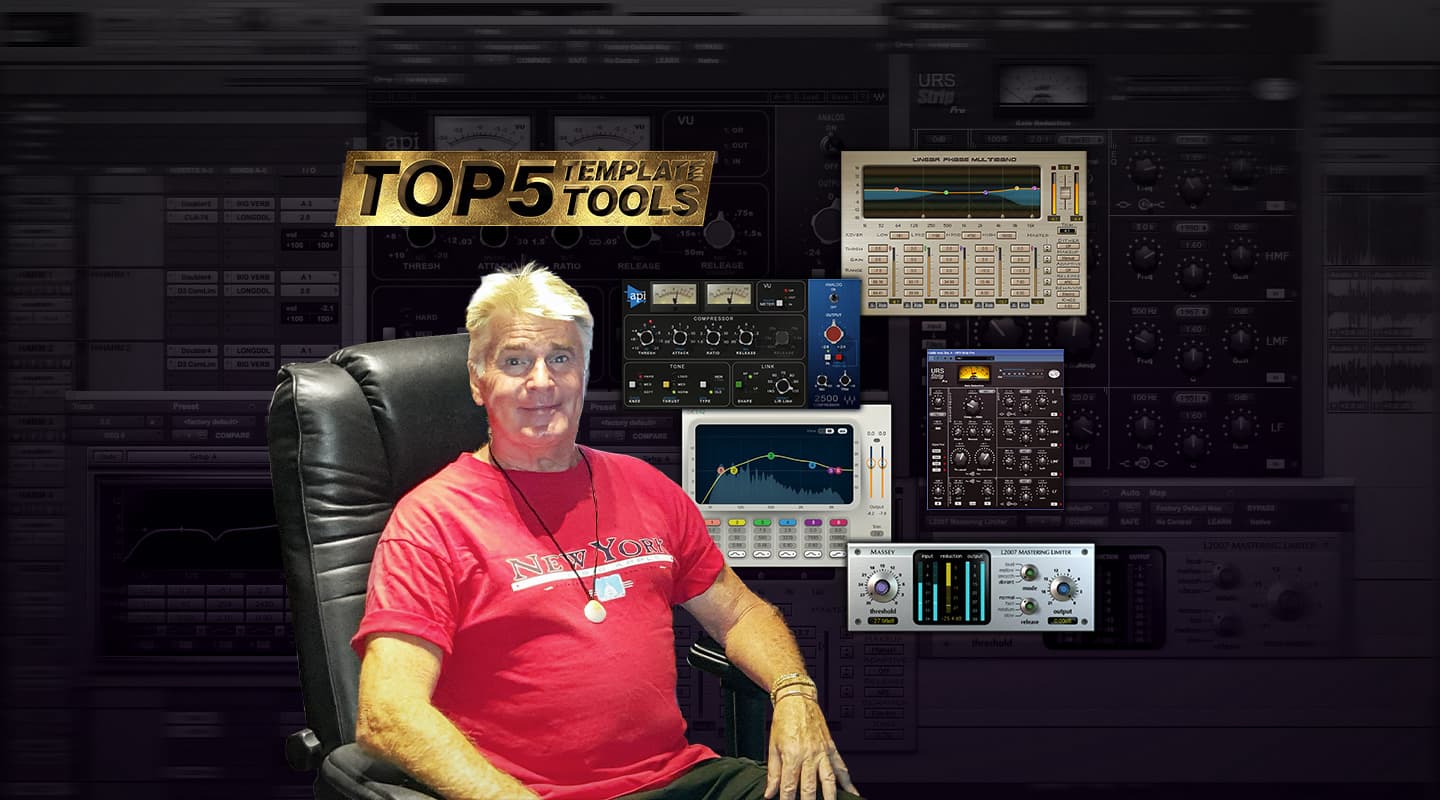
Guy Gray (David Bowie, Midnight Oil, The Rolling Stones, Paul Kelly et al) names his five essential Pro Tools session plugins.
By Joe Matera
5 March 2026
“I don’t use a mix template as such,” explains Australian award-winning producer/engineer/mixer Guy Gray. “I’m old school. I started out at EMI’s Studios 301 in Sydney back in the ’80s, so essentially, I’ve got an analogue tape recording background. With that sort of mentality, I like to approach every single mix project on its own merit. And given the variety of wonderful clientele that I have from pop/rock, [Chinese] Mando Pop, film and TV composers, the recordings are always so different. I find that if you do a template it tends to push you into a corner straightaway, especially when it comes to configuring plugins.” That said, Guy has his go-tos:
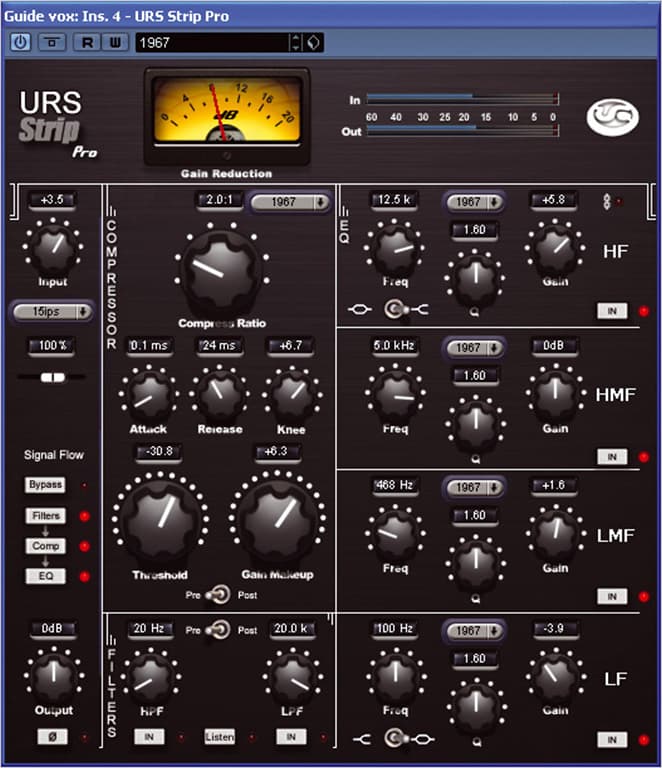
URS CLASSIC CONSOLE STRIP PRO
It’s a one size fits all pro strip; a powerful and flexible little mixing console in one plugin. I use it on particular projects especially if they’re looking for more of an analogue-sounding throwback. A lot of my clients really like the analogue sound, maybe because they’re older and they’ve been part of that industry evolution. A lot of the records that were made, back in the day, were done on magnetic tape and some clients want to recreate that aesthetic – that warm saturated old classic sound – even though today they’ve probably recorded it super clean at 96kHz in Pro Tools. If they indicate in any way that they want a more analogue sounding mix, then I’ll definitely go to that URS Pro Strip. There’s so many custom features on it, the way you can configure it. The tape head saturation simulation input stage is amazing and it’s got so many different combinations, while the EQ is beautifully sweet and subtle. The sidechain compression is really nice too.


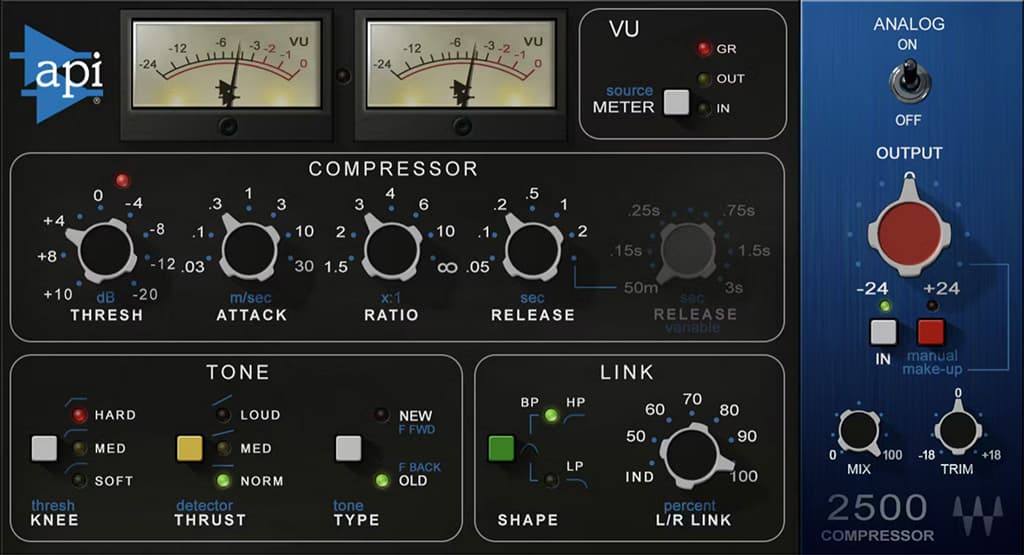
WAVES API 2500 COMPRESSOR
This is just an amazing overall compressor, good for mastering, and a great mix bus compressor. The plugin version truly emulates the original hardware version, so it certainly does a pretty good job. I use it a lot it on my mix bus. I tend to mix these days as quickly as I can, to turn the projects around. I’ll put it on my mix bus to super glue the mix together. I find it more effective than, say, the SSL compressor, especially the API 2500 having the unique Thrust and Tone feature on it, which is really good as a sidechain EQ, it’ll make the ballistics and threshold behaviour of the compressor work differently depending on which band pass you choose. And I find that a hugely beneficial feature on the API. It’s very subtle but if you switch between the different modes, you can really hear what it’s doing. I love it.

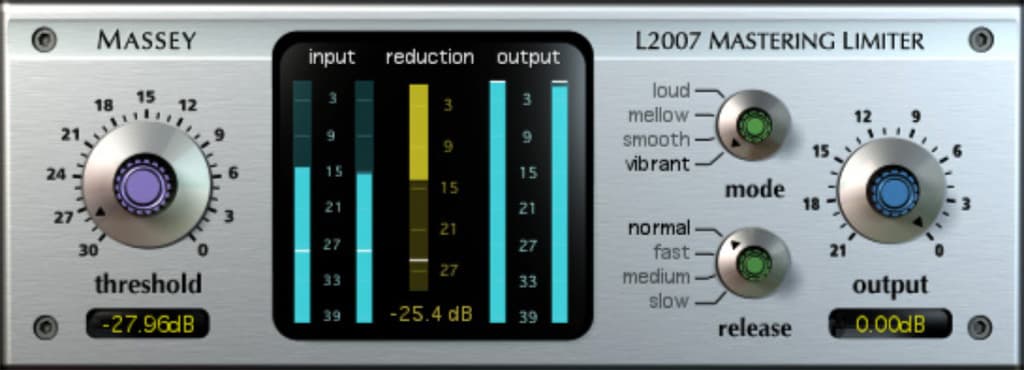
MASSET L2007 LIMITER
A great brick wall limiter, intuitive and easy to use. In terms of, transparency, loudness and dynamic control, it’s a winner. Some people might say, ‘Hey you’re a mix guy, why are you using a brick wall limiter?’ I like to incorporate it on my mix bus for creating semi-mastered pieces of work plus there’s the bonus of it avoiding any unwanted mix bus clipping. I really love using this limiter when delivering listening or work-in-progress mixes for my clients. When activated, it gives me an indication on how the mix would sound when professionally mastered. For me, it’s important to get that right in terms of delivering the mix to them and having the loudness there from the get go. Outside the mix art itself, your work is already sounding finished and broadcast ready when comparing it to other industry releases.

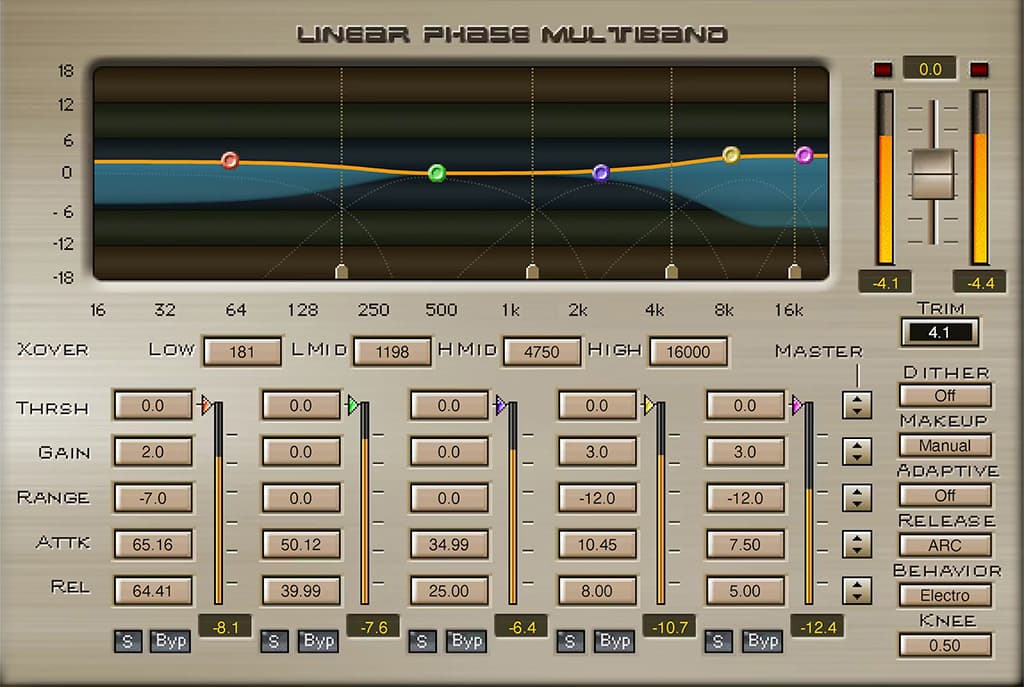
WAVES LINEAR PHASE MULTIBAND
This is one I just can’t live without. Being Linear Phase, there are no latency issues between the outputs, so you don’t get those fuzzy, phasey, unwanted audio artefacts when you’re EQ’ing the different bands. I use it specifically on mixes – if I need to sweeten the mix and smooth it out, it’s very effective, like a ‘smooth the wrinkles out’ plugin. It can control and tame the mix, take the rough edges off it. I’ll also use it on vocals.
For me one of the things that is very impressive, is being able to use it as a suppressor and also as an expander at the same time, which is really good for creating new dynamics within the recorded signal. Change the range on a particular band and turn it into an expander, so you can get it limiting on one band and expanding on another. I love doing that with particular things like vocals and basses – depending on how it was recorded and performed, of course.
It’s very transparent sounding. Like most processing, you’ve got to be a little careful and cautious not to overuse it. It’s one of those plugins you’re definitely going in and out of bypass to make sure you’re not overworking it and making it sound like the signal’s dynamics aren’t being flattened too much. There’s the bonus of great EQ too!
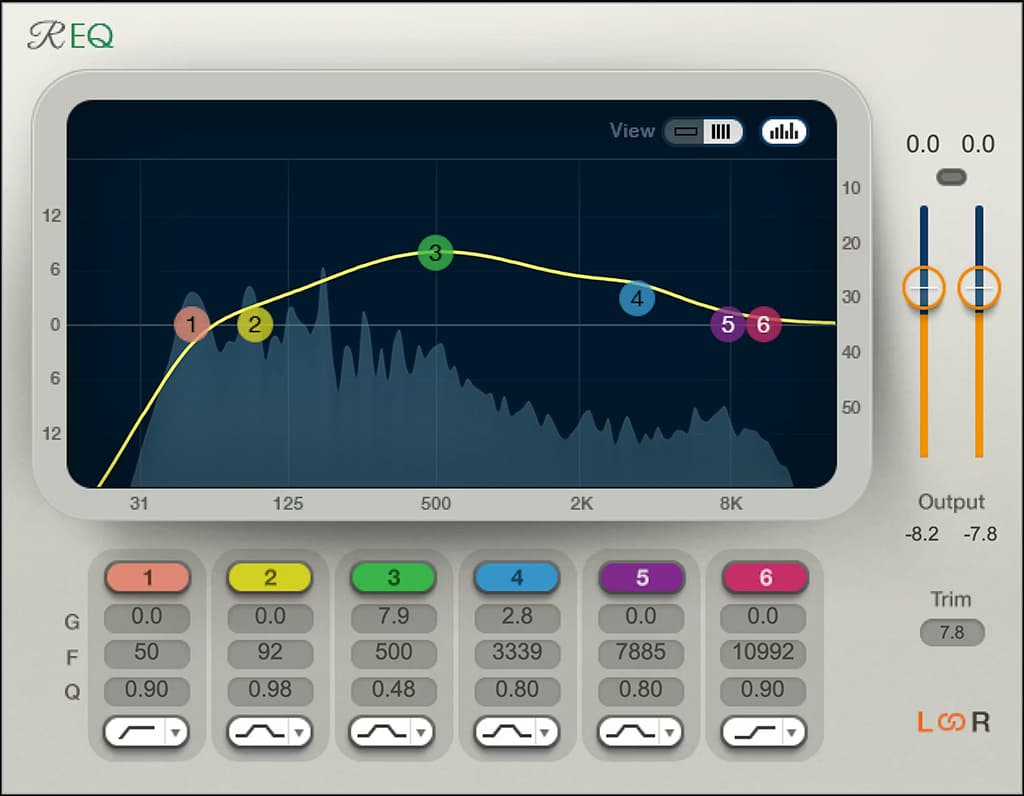
WAVES RENAISSANCE EQ
For me, it’s the Swiss Army knife of EQs. It’s my dependable go-to. I’ve tried most EQs when I work in other studios but I always tend to fall back on this one. I love the shelving and mid-range. When you grab somewhere between 2k to 4k, you just give it a little gain, it pokes its head out of the mix just beautifully. It’s a really wonderful EQ for working on frequency matching too, which I do a lot of when I’m mixing. By frequency matching I mean tuning the tone to make sure the track sits in its correct pocket in the mix and that it can be heard over all, depending on what it is, whether it’s hard rock or a ballad, or even if we’re mixing film music, it will just give the track the right frequency nudge so it can be heard, where it just sticks its head out. The Renaissance EQ always packs a punch!


RESPONSES