

PC Audio 105
Do the words Windows 10 fill you with excitement or dread? Find out more about next year’s release from Microsoft, and then make up your own mind.

15 November 2014
Column: Martin Walker
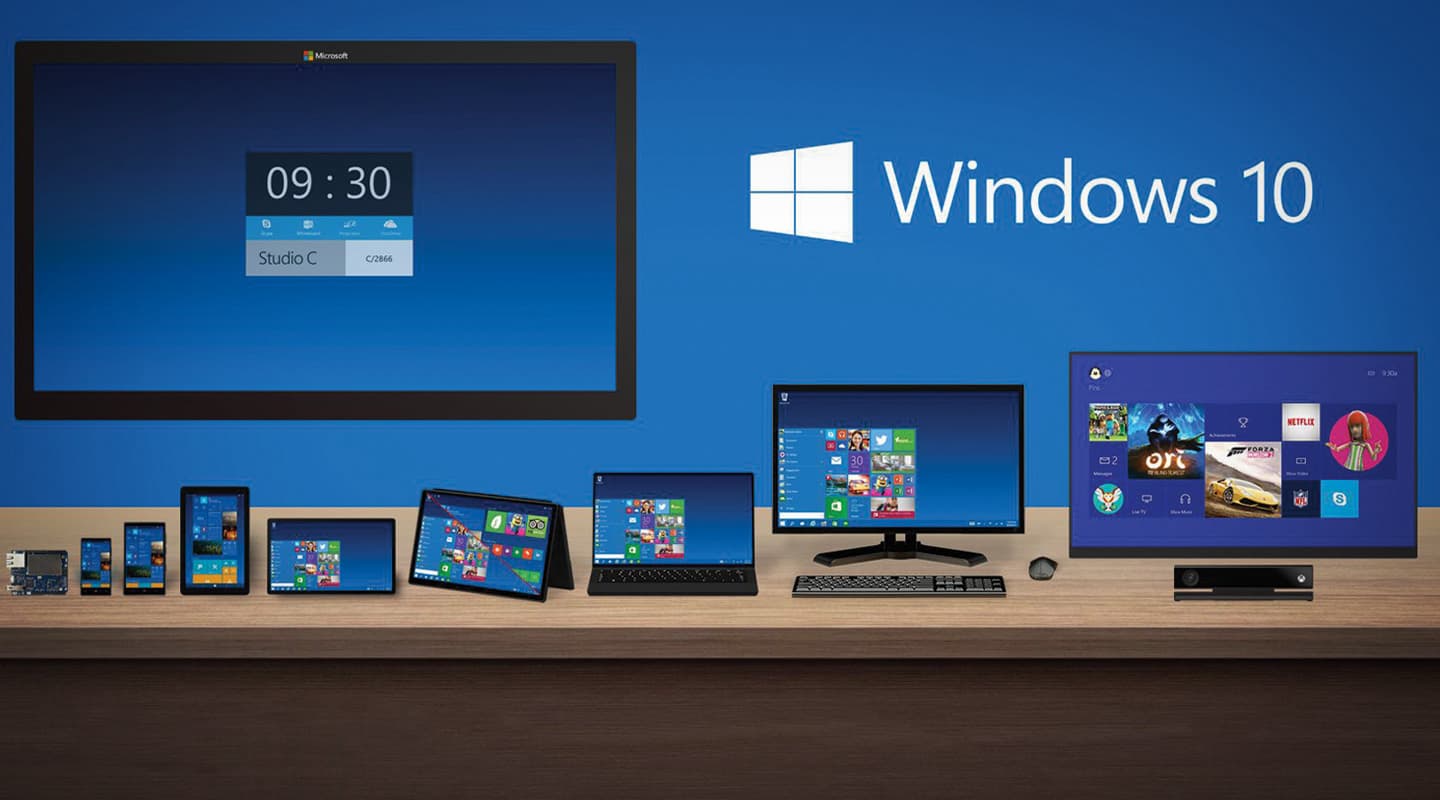
The next Windows release is currently expected to arrive sometime in the second half of 2015. But in a strange move that has left many people guessing, Microsoft has jumped from Windows 8 straight to Windows 10. The official explanation from Microsoft’s Joe Belfiore is that “Windows 10 is built for screens from four to 80 inches. The fullness in this upgraded version of the Windows product seems more appropriate in giving it a name Windows 10. Its fullness applies to Windows Phone, too, which will see Windows 10 as its next major upgrade.” In other words, Windows 10 is seen as a major step forward, and is destined to be your go-to OS for everything from your main studio PC to your mobile phone. However, it seems punters aren’t having this. Some have said MS avoided the number 9 because it’s deemed unlucky in Japan, others have surmised that Windows 10 will appear more in line with Apple’s OS X. A few have even speculated that software applications sloppily checking for the correct version of Windows on launch may abort when detecting a ‘9’, assuming that the user is still using a now incompatible Windows 95 or 98.
Whatever the real reason, Windows 10 will be noteworthy for its re-introduction of the much-discussed Start button and associated menu. Many users missed these in the controversial Windows 8, and were also left confused by its awkward attempts to combine key-based desktop and touchscreen gesture-based mobile environments. Finally accepting that users “Don’t want to have to learn a new way to drive”, Microsoft delivers a far more streamlined combo in Windows 10, with a split menu displaying Windows 7-style apps on the left, and metro-style Windows 8 ‘live tiles’ on the right giving you real-time notification of such things as email arrivals and Facebook messages. The menu and its tiles are resizable, as are the modern apps (in Windows 8 the new-style apps invariably filled the screen).
Other new graphic features will include a quadrant snap mode that lets you display multiple Windows Store apps on screen simultaneously (up to four for those who own a really large screen); a new Task View button on the taskbar to provide one-click access to all your currently running applications (making it easier to switch between them); and Virtual Desktops so you can set up multiple workspaces each containing different app collections, perhaps grouping your work and leisure activities separately. The interface will also change dynamically, determined by whether you’re working with a mouse and keyboard or a touchscreen tablet, rather than having to switch manually between Desktop and Touchscreen modes as in Windows 8. Hopefully the new interface will seem familiar to existing users of both Windows 7 and 8.
UPDATE STATE
One recent survey indicates that Windows 8 is still only used by around 13% of desktop PC users two years since its release, compared with 51% still using Windows 7 and 24% running the no longer supported Windows XP, so it’s vitally important to Microsoft that Windows 10 is widely adopted. Rumours are that it will be a free upgrade for existing users of the full Windows 8.1 retail version, while existing Windows 7 users (along with OEM users of Windows 8.1 — typically those who buy their PCs with Windows pre-installed) are likely to be charged a small fee for a downloadable version of the Windows 10 upgrade. However, all future Windows 10 updates are likely to be free for consumers, in an effort to encourage them to run the latest version. Updates are also expected to be released more often, to keep we consumer folk excited.
However, frequent updates are normally discouraged by the business community. They traditionally want a rock-solid platform that stays the same as long as possible, so they can roll it out to all their employees once, and once only. This typically happens a year after initial release (once any initial bugs have been eradicated), so the release of the Windows 8.1 update almost exactly a year after the original with a significant number of new features and changes was yet another reason that businesses were slow to adopt Windows 8. This time around Microsoft is likely to introduce a long-term model for business users, only releasing updates once every few years that incorporate a succession of consumer updates in one fell swoop.
So what does all this mean for the musician? Well, some users love to try out new operating system features, and if you’re a heavy ‘app’ user with a touchscreen tablet I’m sure you’ll welcome Windows 10 and its array of new features with open arms. If you’re intrigued and have a spare PC to hand, by all means take the plunge right now and install the free Windows 10 Technical Preview, which by all accounts seems remarkably stable already. If on the other hand, like many musicians (including me), you spend at least 90% of your computing time working with your desktop sequencer and/or audio editor on a largish screen, and the rest exploring online or interacting with friends and colleagues, you may scarcely notice which operating system you’re currently running at the time. Like business users, studio-based musicians often tend to stick with what they know is rock-solid for both their music hardware and its drivers, and my main desktop PC is therefore still running Windows 7, which will continue to be supported by Microsoft for another five years until 2020.
Unlike changes in CPU/motherboard, changes in operating system rarely offer quantum leaps in audio performance, so until software developers drop support for Windows 7, or introduce new software that really does take advantage of specific Windows 10 features, in my opinion there’s no actual ‘need’ for musicians to upgrade. So, although all new PCs will arrive with Windows 10 pre-installed from sometime in 2015, you’re highly unlikely to see any improvement in the performance of any of your audio applications by changing to this OS on an existing PC. Perhaps it’s because I’ve been using PCs since 1991 — working my way from MS-DOS to Windows 3.1, then Windows 95, Windows 98, avoiding Windows 2000 and ME, sticking with the musicians’ firm favourite Windows XP for many years, then bypassing Vista and finally moving over to Windows 7 after Windows 8 had been released — that the novelty of changing OS has finally worn off. For anyone with a lot of software to reinstall, it tends to be something to put off until you really have to change. For me, making music is far more important.




RESPONSES